




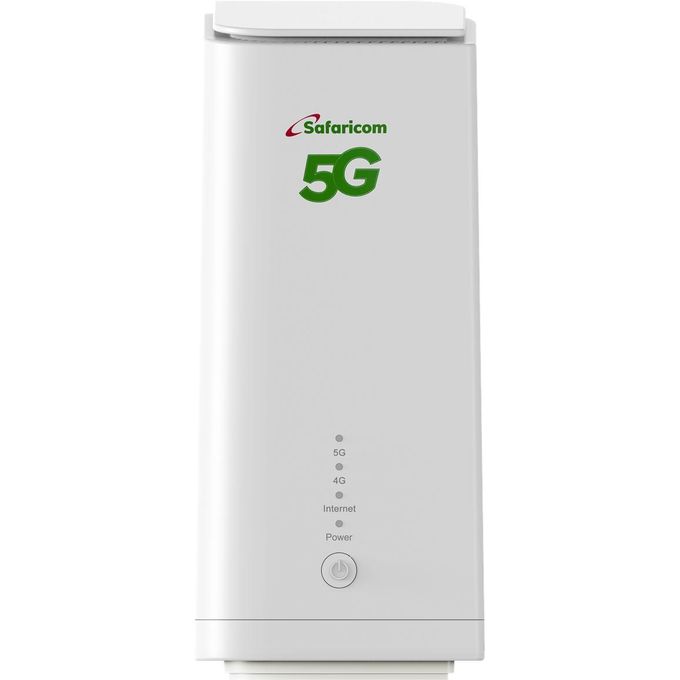
Product details
TROUBLESHOOTING GUIDENo Internet Connection Check SIM Card: Ensure the SIM card is correctly inserted and active. Check Signal Strength: Verify the 5G/4G indicator lights. If no signal, try repositioning the router. Restart Router: Power off the router, wait 30 seconds, then power it back on. Check Cables: Ensure all Ethernet cables are securely connected. Contact ISP: If issues persist, contact your Internet Service Provider to confirm network availability. Slow Connection Speed Router Placement: Place the router in a central location, away from obstructions and interference sources (e.g., microwaves, cordless phones). Network Congestion: Too many devices connected or high network traffic can slow down speeds. Firmware Update: Ensure the router’s firmware is up to date. Signal Interference: Check for other Wi-Fi networks or devices operating on the same frequency. Wi-Fi Disconnections Signal Strength: Move closer to the router or reduce obstacles. Channel Interference: In the router’s web interface or AI Life app, try changing the Wi-Fi channel. Firmware Update: Update router firmware.
Specifications
| SKU | HU687EA53UJVONAFAMZ |
|---|---|
| Weight (kg) | 0.915 |
| Warranty Address | Safaricom Shop, Countrywide |
Similar products
-

RichRipple Tws Bluetooth Headsets Wireless Pods Pro Earpods Earphones
KSh 311.20 -
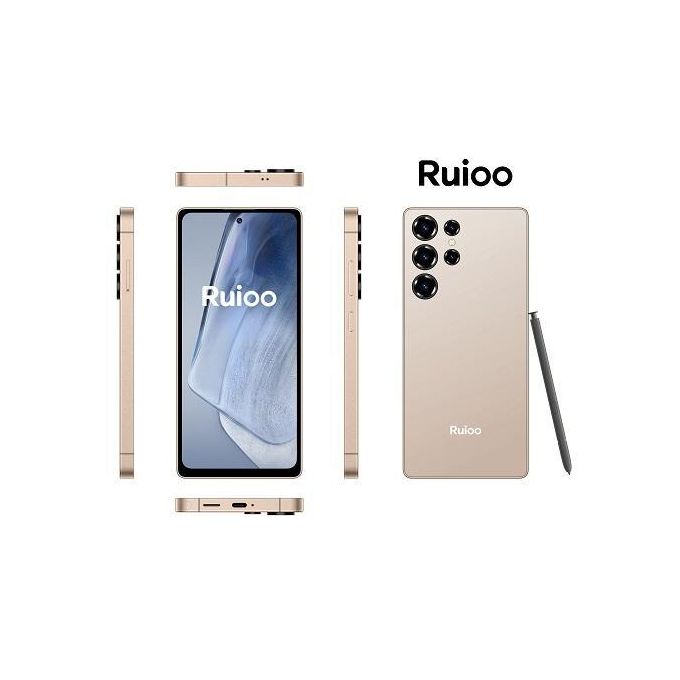
Ruioo RUIOO S25 Ultra Android Smartphone 8GB + 128GB 6.8 inches
KSh 7,992 -

LESIA L258 2.4″ Dual Sim 1500mah feature phone with Camera
KSh 1,007.20 -

TWS Wireless Earbuds Bluetooth Earphone With Mic Headset M10
KSh 211.20 -
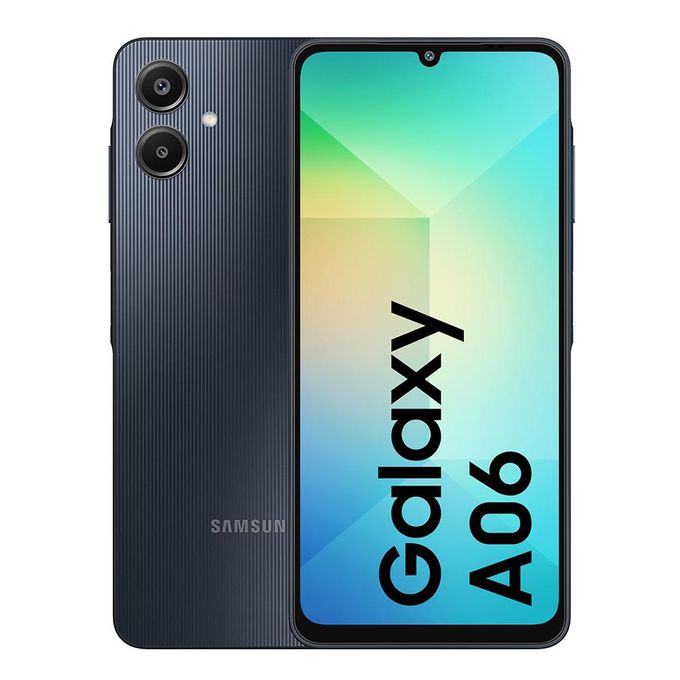
Samsung Galaxy A06, 6.7″, 4GB RAM+ 64GB (Dual SIM), 5000mAh, Black (1YR WRTY)
KSh 11,679.20 -

Infinix Hot 70,X6895B, 6.78″, 128GB + 4GB RAM,6000 mAh, 4G – Silver Dancer
KSh 15,039.20